Share Projects
This is where you will learn how to share projects with members within and outside of your organization.
Getting started
Navigate to the project you want to share
Photogram/Pointcloud Viewer
Click on the Share Icon on the bottom right
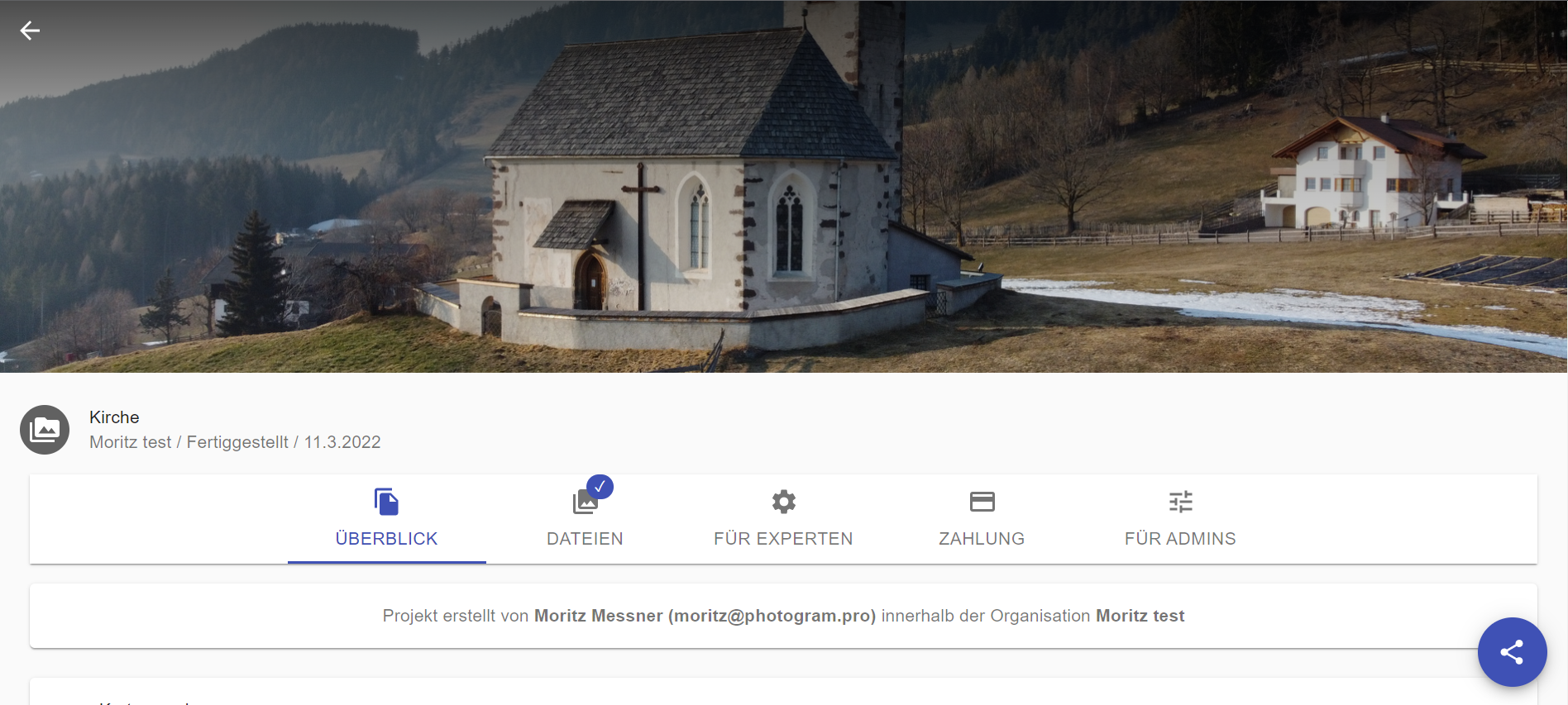
Photopoint
Click on the Share Icon on the top right
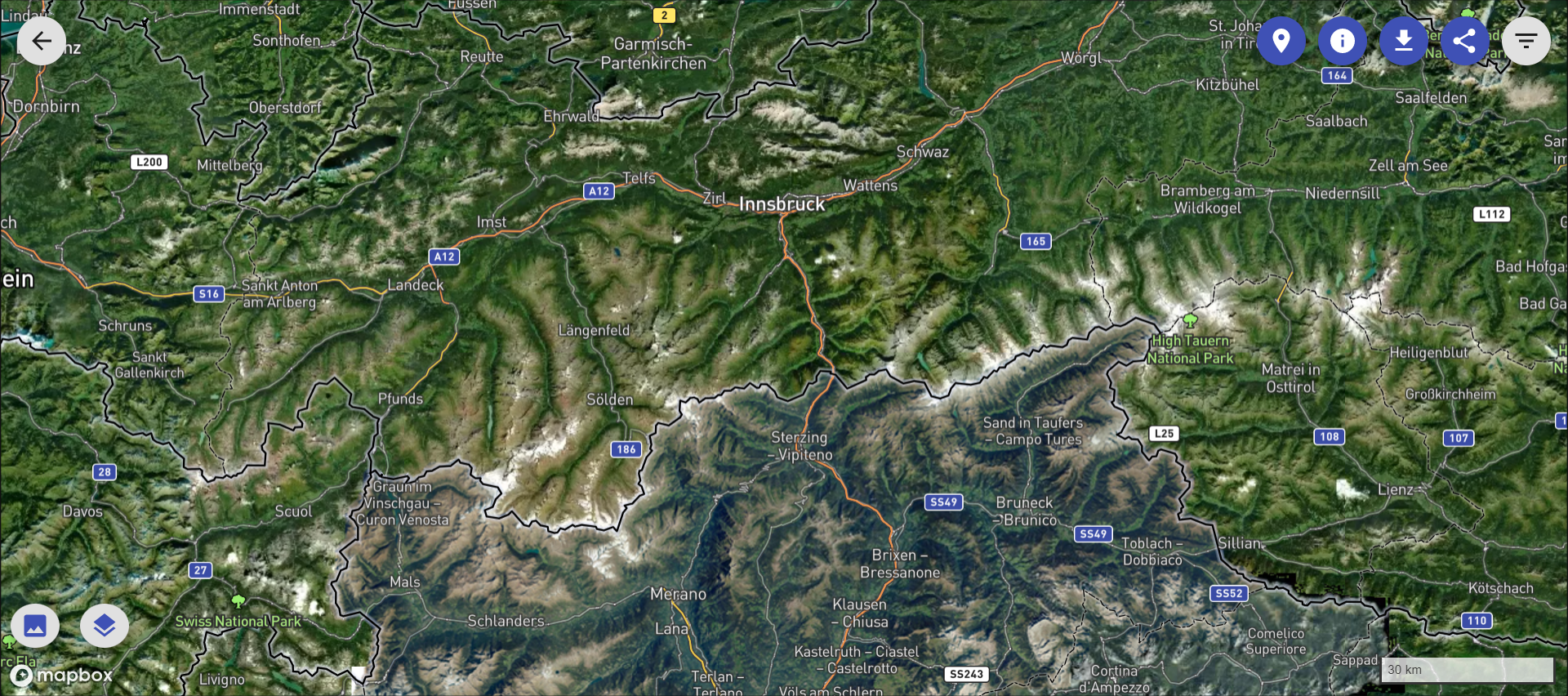
Share Dialog
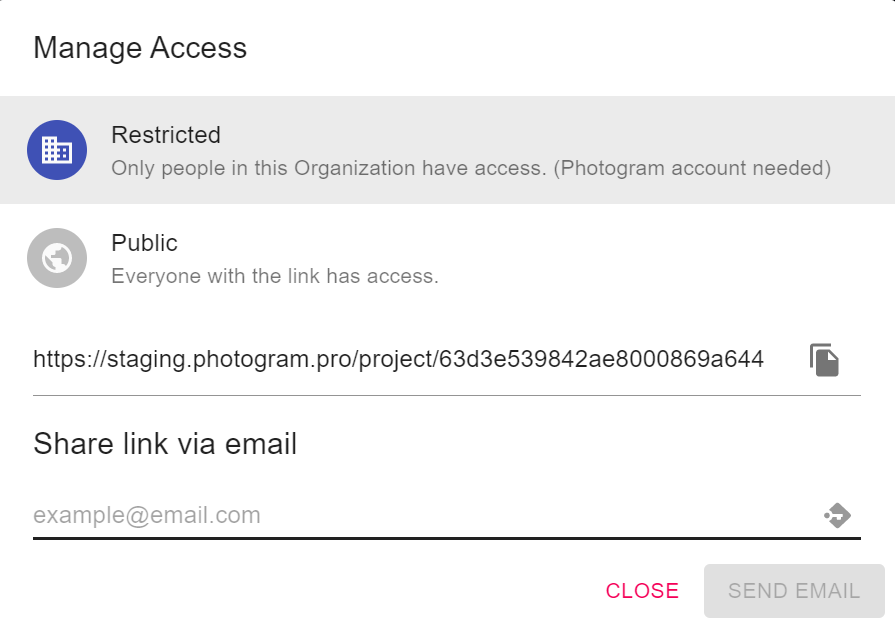
Share with members of your Organization
- Select Restricted in the share Dialog
- Copy the Link and send it to the person that you want to share the project with
or send the Link via Email - Enter an email adress in the designated field and click on Send Email. The Person will receive an email with a Link to the Project.
Share with anyone
- Select Public in the share Dialog
- Choose how long you want the Link to be valid
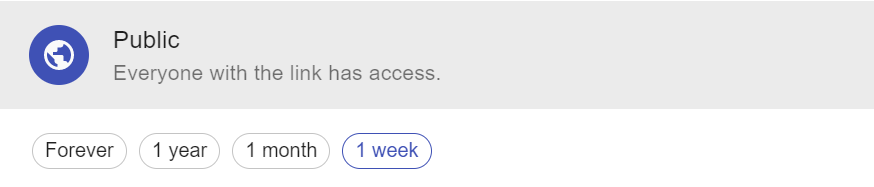
- Copy the Link and send it to the person that you want to share the project with
or send the Link via Email - Enter an email adress in the designated field and click on Send Email. The Person will receive an email with a Link to the Project.